- Long and flexible
- Numerous light patterns to choose from
- Unique shape
- Pricy
- More decorative than useful
Smart lights have been around long enough that new kinds of smart lights need to bring new functionality, not just a new shape. That’s where the Twinkly Dots fit — a new shape of light that doesn’t bring new functionality to the table. They’re soothing to look at, and while the new design makes them far less bulky than traditional LED strings, it’s just not enough to set them apart from other lights on the market.
Design and setup
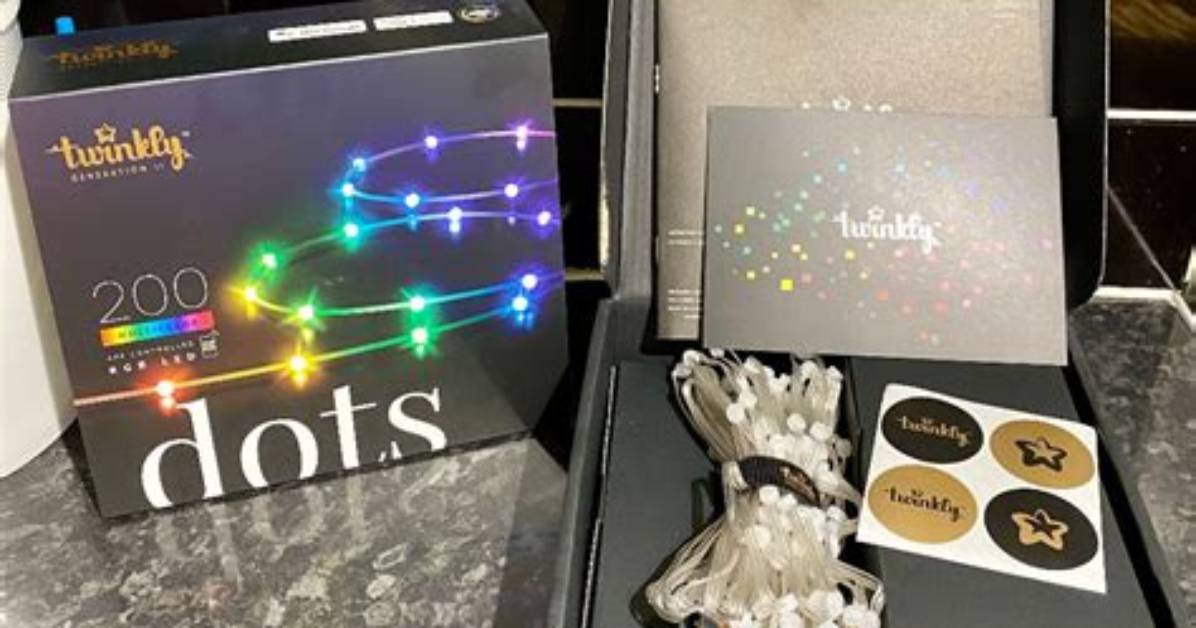
The Twinkly Dots have a premium feel from the moment you pull them out of the box. I wove mine around my bed frame to add a bit of festive cheer to the bedroom; after all, Twinkly is best known for its smart Christmas lights. The cord itself is narrow, and each Dot is a diffuser about half the size of a pinky nail with an LED inside it. It makes it easy to place the lights where you want them, and I found the slender design of the cord made it possible to pull it tightly around each bedpost so it didn’t slip.
That said, the Twinkly Dots have an IP44 rating, so they can be used on your porch. The power connector has an interesting, screw-in design that makes it more secure than normal lights.
Setup took less than five minutes. All I had to do was follow the on-screen instructions to configure the lights over Bluetooth, although Wi-Fi is an option. You’ll need the Twinkly app from the App Store or the Google Play Store, but once downloaded, it’s as simple as naming the lights, testing them, and then stringing them in whatever design you want. Once you do this, you can aim your phone’s camera at them to see a 3D representation of the lights within the app.
The Twinkly Dots can display 16 million different colors. There are three main configurations: A 33-foot option with 200 RGB lights (which is the option I’m testing), a 66-foot option with 400 RGB lights, or a USB version that has 60 lights. It’s also the first Twinkly product that can be powered through USB.
Twinkly, Twinkly, little app
The Twinkly app seems somewhat barebones at first glance, but I appreciate the lack of menus and submenus. It makes it easier to find exactly the settings I want when navigating it. There are five tabs to pick from: Controls, Gallery, FX Wizard, Layout, and Devices.
Controls is self-explanatory; turn your lights on or off, adjust their brightness, and set timers and schedules from this tab. That’s all there is to it.
The Gallery tab is where you’ll spend a lot of time, at least at first. You can choose between a variety of different effects ranging from one just called Snow (which actually presents a nice representation of snowfall, in my opinion), to one called Unicorn Sun which looks like a vaporwave rave.
The FX Wizard is perhaps the most interesting tab of all. It allows you to create your own effect. You start with a base pattern or draw with your fingers, and there are some interesting patterns to choose from.
The Layout tab shows you the physical location of the lights in relation to one another. This is used to further customize your light setup, especially if you’ve arranged your Dots in a more intricate pattern. You can choose between Easy Mapping, a method that relies on your phone’s camera, and Advanced Mapping. Advanced Mapping takes multiple recordings and gives you a much more precise map in the end.
Finally, the Devices tab displays every Twinkly device connected to your account and its current status.

