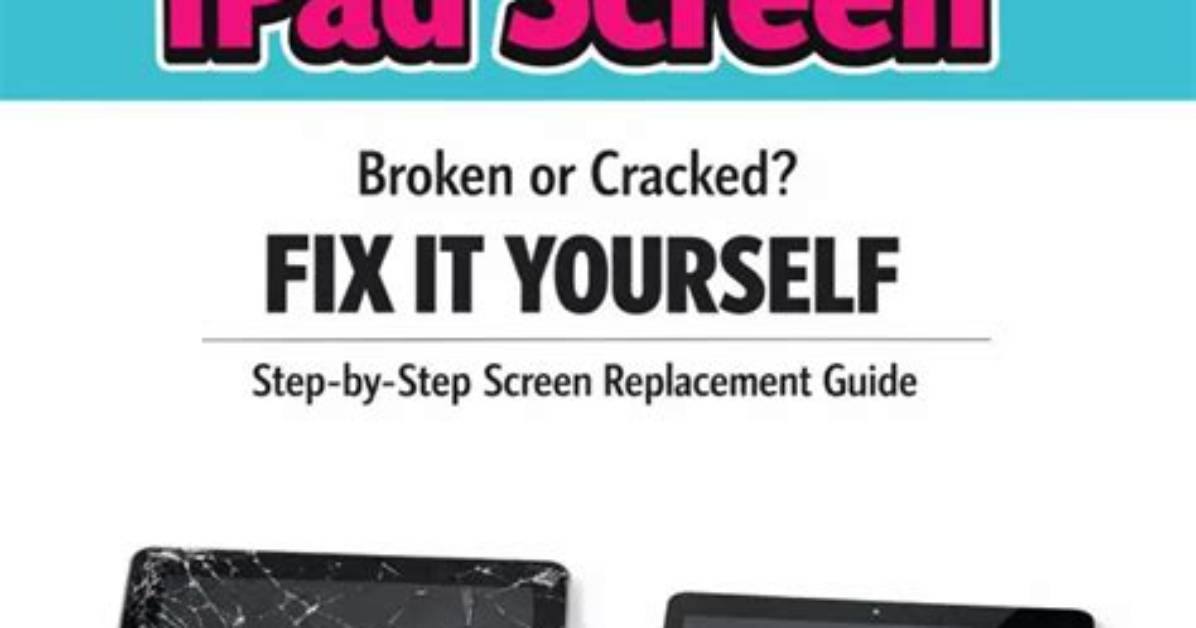
No matter how much care we take of our precious smart devices, accidents still happen. As unintentional as these accidents are, more often than not, they lead to a cracked screen — and that can really ruin your day. What can you do to fix your iPad if this happens to you?
Whether you choose to go through the manufacturer, a third-party repair center, or you make the repairs yourself, we’ll walk you through your different options if you break your iPad’s screen.
Working out which iPad components are broken
Apple’s iPad displays are built differently in different generations. Older iPads and iPad Minis feature a glass and digitizer (responsible for the touch sensitivity) assembly and a separate LCD display underneath. The newer generations of iPad and iPad Pro feature a fused glass, digitizer, and LCD or OLED display much like the newer iPhones.
If the glass on your screen is shattered but you can still the image clearly, then it’s likely only your glass/digi assembly is broken and your LCD is intact. If this is the case and you own one of the older generations of iPad, then you’re in luck, because the top glass/digi layer can be replaced without disturbing the LCD panel beneath. If you own one of the newer generations of iPad, then you’ll to replace the entire fused assembly, regardless of which screen components are broken. This, obviously, makes repairing the newer versions much more costly.
Here are some options for fixing damage to your iPad screen.
Call on Apple
The first thing to do when you’re faced with a cracked or broken iPad screen is to find out what Apple can do and how much it will cost for the iPad maker to fix its product. Even if your iPad is still under the original one-year limited warranty, accidental damage from your cat nudging it off the kitchen table onto your stone floor at precisely the wrong angle is not covered. Apple — which markets some of the most expensive devices on the planet — also charges an arm and a leg to fix them.
Just how expensive the repairs will be depends on the model of the iPad in question — unless you were prescient enough to purchase an extended two year AppleCare Plus warranty for $99, which covers accidental iPad screen damage among many other things.
Here are Apple’s cost breakdowns for repairing a broken iPad screen with or without an extended warranty.
iPad Pro Repairs
| iPad Pro | AppleCare+ service fee | Out-of-warranty service fee |
|---|---|---|
| iPad Pro 12.9-inch (4th generation) | $49 | $649 |
| iPad Pro 12.9-inch (3rd generation) | $49 | $649 |
| iPad Pro 12.9-inch (2nd generation) | $49 | $599 |
| iPad Pro 12.9-inch | $49 | $599 |
| iPad Pro 11-inch (2nd generation) | $49 | $499 |
| iPad Pro 11-inch | $49 | $499 |
| iPad Pro (10.5-inch) | $49 | $449 |
| iPad Pro 9.7-inch | $49 | $379 |
iPad mini Repairs
| iPad mini | AppleCare+ service fee | Out-of-warranty service fee |
|---|---|---|
| iPad mini 5 | $49 | $299 |
| iPad mini 4 | $49 | $299 |
| iPad mini 3 | $49 | $299 |
| iPad mini 2 | $49 | $199 |
| iPad mini | $49 | $199 |
iPad Air Repairs
| iPad Air | AppleCare+ service fee | Out-of-warranty service fee |
|---|---|---|
| iPad Air 3 | $49 | $379 |
| iPad Air 2 | $49 | $299 |
| iPad Air | $49 | $249 |
iPad Repairs
| iPad | AppleCare+ service fee | Out-of-warranty service fee |
|---|---|---|
| iPad 7th generation | $49 | $249 |
| iPad 6th generation | $49 | $249 |
| iPad 5th generation | $49 | $249 |
| iPad 4th generation | $49 | $299 |
| iPad 3rd generation | $49 | $299 |
| iPad 2 | $49 | $249 |
As you can see, the cost of a screen repair is reasonable under Apple Care+ but quite costly without. If you decide to go with Apple, you can order a temporary replacement iPad with Apple’s Express Replacement Service, even before you turn over your cracked device to Apple.
When you send your damaged tablet to Apple to fix, it can take the company three to five business days to send you a temporary replacement. If you have to mail it to Apple, then add a $6.95 shipping fee — or you can tote it to the nearest Apple Store and drop it off for free. You will also be responsible for any applicable taxes.
If you want Apple to fix your broken tablet, you can start a repair request directly from the Apple website. Apple notes that, “If the issue with your iPad was caused by severe damage from an accident or from abuse, you might have to pay the full replacement value.” Despite all that, having Apple fix your broken iPad screen, or replace it, is probably the best option if you can afford it because your fixed iPad is guaranteed to be be brought back to a state close to new.
While Apple’s automatic one-year limited warranty doesn’t cover accidental damage, some tiny cracks on the screen could be judged as flaws or defects in some cases. It can’t hurt to pop over to a local Apple store to find out if that’s covered. While, ideally, your iPad should be in perfect condition, if the cracks are small enough, you may not have to do anything about them. If Apple won’t cover them under warranty, you could just continue to use your device rather than shell out for an expensive screen repair. In the meantime, you could invest in a protective case or screen protector to prevent further damage.

